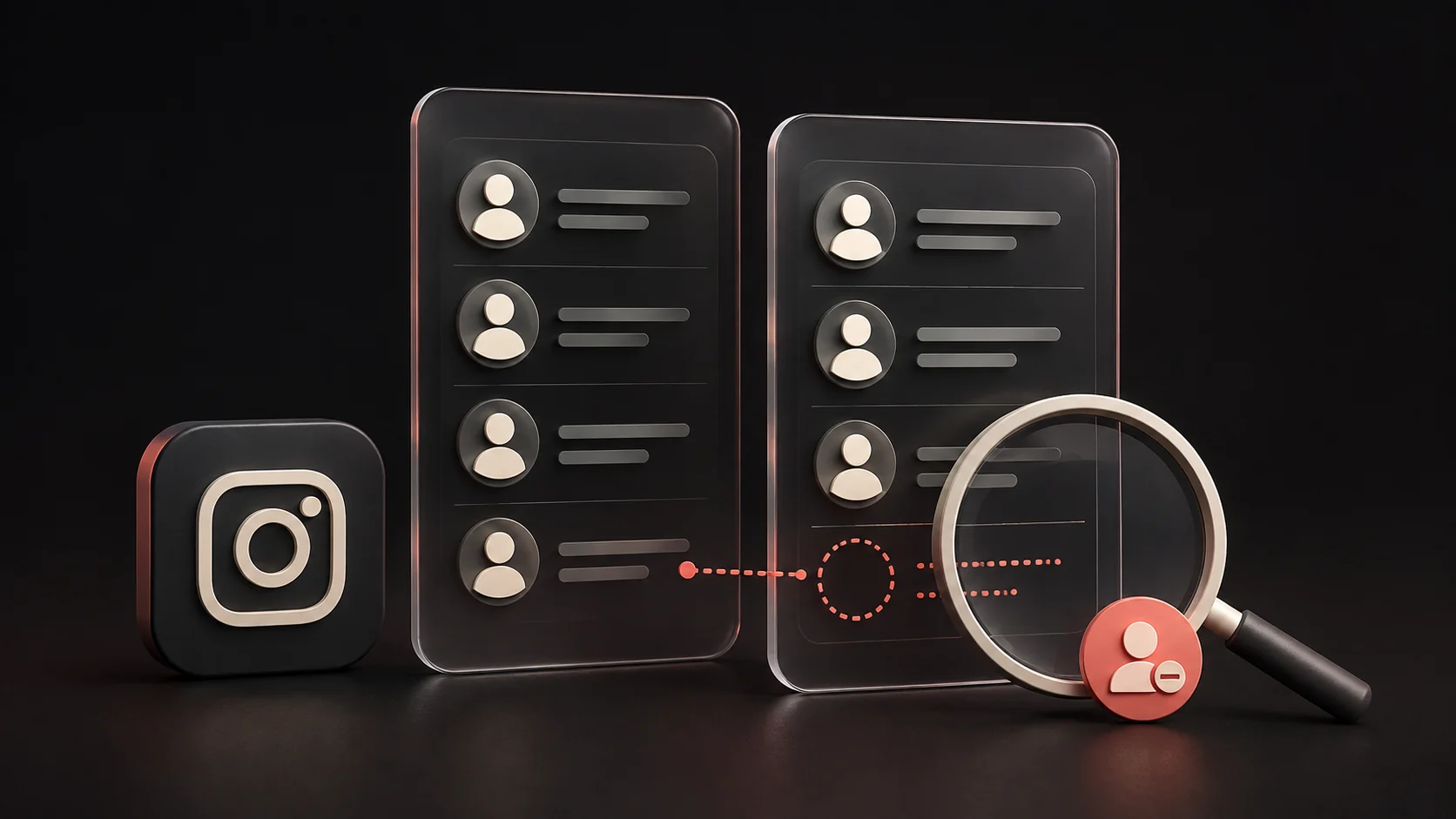
Instagram does not send an unfollow notification. Someone can still notice that you no longer follow them by checking their followers list.
How to unfollow, and where to check the result
- Open the person's profile in Instagram and check the username, not just the display name.
- Open Following, choose Unfollow and read any confirmation before proceeding. Button names may vary by app language or version.
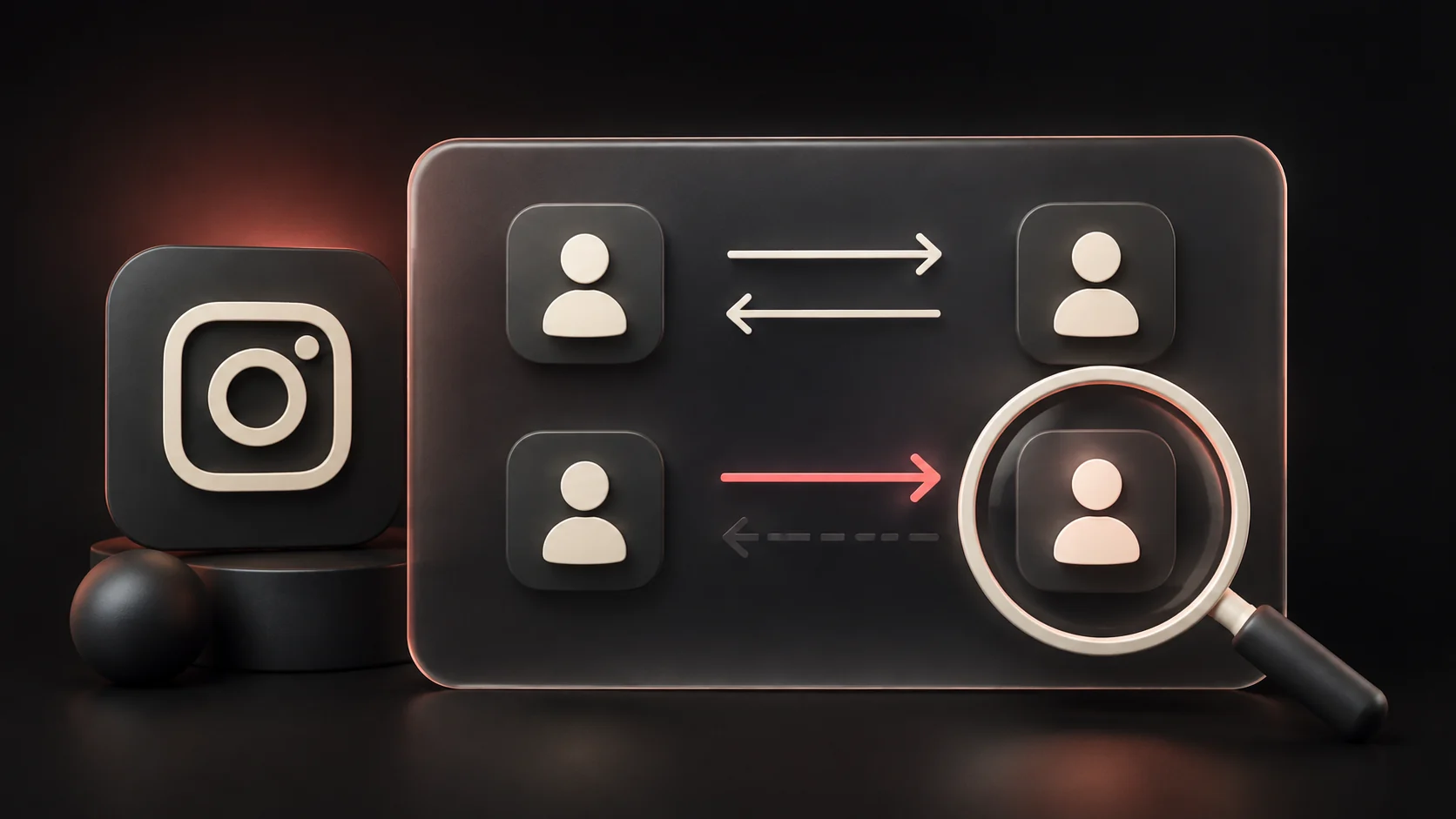
- Check the resulting relationship on the profile. To see whether that person follows you, search your own Followers list: this is the opposite direction.
For current controls, see Instagram's unfollow instructions and Meta's privacy and safety tools. For a change between dates, use the two-export guide.
Three common notification misunderstandings
Following and then immediately unfollowing. The absence of an unfollow alert does not guarantee that an earlier follow notification vanished. Someone may already have seen it. If your aim is to undo an accidental tap, correct the relationship in the app, but do not repeatedly follow and unfollow to test what the other person can see.
Someone notices a lower follower count. The number alone does not identify who left. They would need an earlier list or a check of a specific account to establish that you no longer follow them.
A third-party service sends an alert. An alert generated by another service is not an Instagram notification. Ask which data the service compared, when it obtained those data, and whether the result is a missing username rather than a verified event. An occasional export cannot support a claim about a change that happened after the export was prepared.
What changes on each side of the relationship
Take two invented accounts, account_a and account_b, which initially follow each other. If A unfollows B, B disappears from A's Following list and A disappears from B's Followers list. B's subscription to A is a separate relationship and remains in this example. Opening the wrong list can therefore make a completed unfollow look as if it did nothing.
Suppose A followed 80 accounts and B had 100 followers before this action. With no other changes, those counts become 79 and 99 respectively. A's own follower total need not change. B could notice the difference while looking at the profile or searching the list, even though the action did not generate an unfollow alert. These are illustrative counts, not a prediction about a live account where several relationships may change at once.
This also explains why an old export can appear to disagree with the app. If A downloaded an archive before unfollowing B, the saved Following list still includes B. Reopening that file displays the earlier relationship. To check whether the action succeeded now, use the current profile in Instagram. To document it later, keep the earlier file and obtain a new observation. Give each result a date so that the two records are understandable together.
Choose the control that matches your purpose
If you simply no longer want to subscribe to an account's posts, unfollowing changes that subscription. If you still want the connection but want less of its content in your feed, review the available mute controls before deciding. These are different choices even when both begin with the same annoyance: seeing posts you do not want to read.
If your concern is who follows you, start with your own Followers list and the follower-management options. If the concern is unwanted contact or access to your posts, review the privacy, restriction, blocking and reporting tools linked above. Start with the outcome you need, then read the chosen control's explanation before confirming it.
For example, someone may want to keep following a colleague's professional updates while changing who can follow their personal account. Unfollowing the colleague answers a different question. Write down the intended result in one sentence: “I want fewer posts from this account” or “I want to review this person's access.” That small distinction helps you select the right control and check the right side of the relationship afterwards.
Frequently asked questions
Can someone work out that I unfollowed without receiving an alert?
Yes. They may check the current relationship or compare saved lists. “No notification” describes the alert behavior; it does not make the resulting relationship secret.
Does unfollowing someone also remove them from my followers?
The two follow directions are separate. Inspect your follower-management controls if you want to change who follows you. Do not assume that changing your subscription automatically changes theirs.
Can an export notify me immediately when somebody leaves?
No. A file describes the information available in that export. You need a newer observation to discover later differences, and those differences still do not reveal an exact event time.