Who doesn't follow back on Instagram / Threads?
Upload your official Instagram or Threads data export and see who doesn't follow you back, who unfollowed, and who's new.
Pick your export fileDrop your file here
works with .zip (JSON and HTML)or pick manually · .zip (JSON and HTML)
We never ask for your password, and your archive is read right here in the browser — the file is never uploaded. Sign in only if you want your saved exports restored on another device.
How to get your Instagram file
Open the export: Threads → "Export your information", or Instagram → Accounts Center → Your information and permissions → Export your information.
Create export → choose a profile → Export to device.
Date range — All time. Format — HTML (recommended) / JSON. Under "Customize information", select Connections → Followers and following. This is the only category required for Instagram. Select Threads only if you also want Threads results. Tap Start export.
You’ll receive an email notification when the export is ready. Download the archive from Instagram → Accounts Center → Your information and permissions → Export your information. Then upload the .zip here — no need to unzip or rename the archive file.
How it works
We compare the follower lists in your official Instagram or Threads export, so you can understand your connections.
Get your archive
Request an export in Meta Accounts Center. Include followers and following for all time, then download the ZIP when it is ready.
Export instructionsAdd your ZIP file
Choose the archive in the upload area above. No need to unzip it — the file is read right in your browser.
Choose a file aboveSee your results
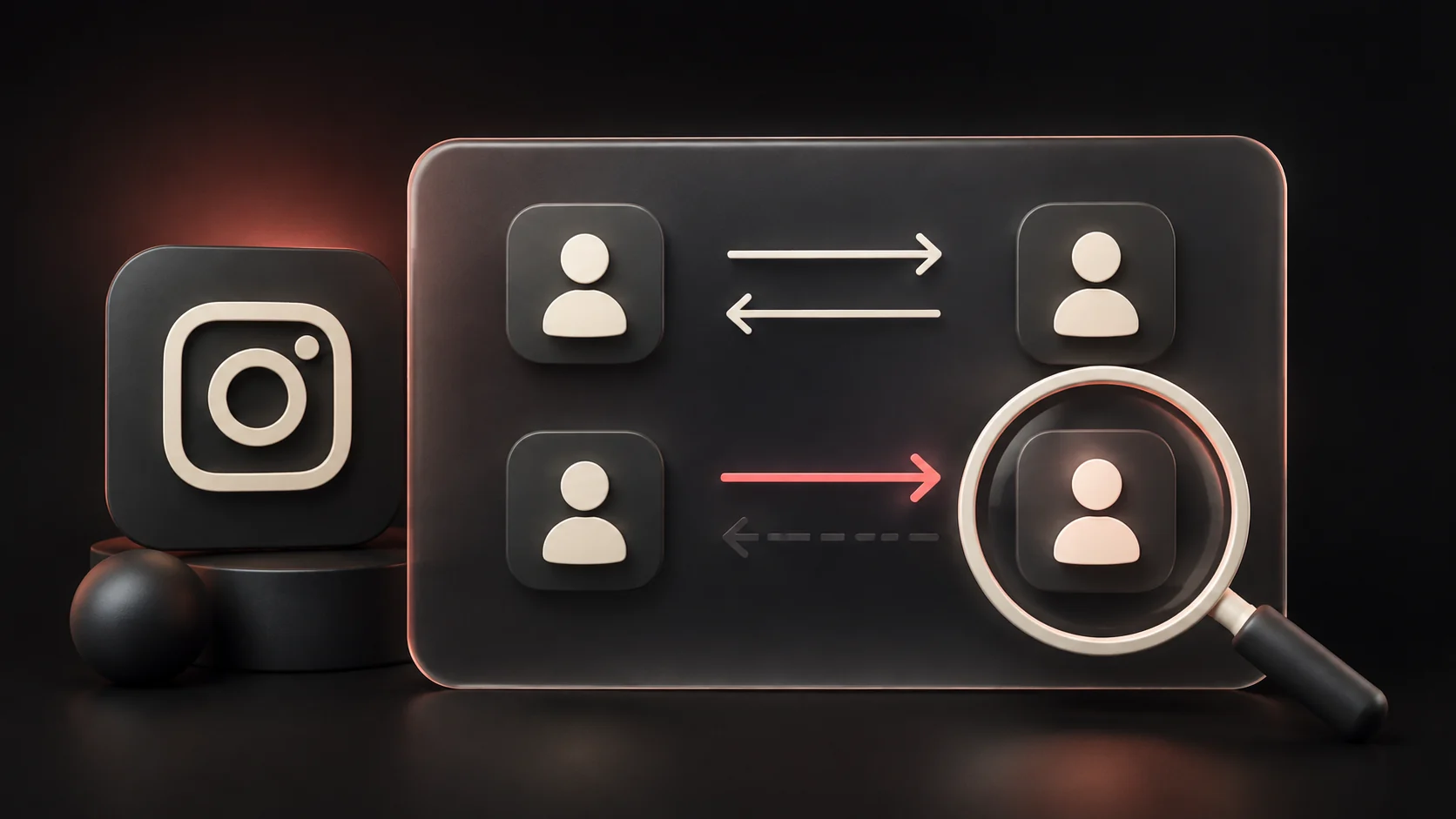
Find out who doesn’t follow you back and who follows you mutually. Browse the lists or search for a specific account.
Explore demo results



Free online Instagram unfollower checker
- Not back
- Unfollowed
- New
Check Instagram unfollowers online for free without installing a follower tracker app or sharing your Instagram password. Unfollow Checker also works with Threads exports. One archive shows who doesn't follow you back in that snapshot. Two exports from different dates show which followers are missing or new.
These differences are a starting point for review, not proof of an intentional unfollow. Username changes, unavailable accounts, and incomplete exports can affect the result. The comparison covers the interval between the exports; it cannot recover unsaved history or an exact unfollow time.
See Unfollow Checker in action
From data export to results in one short video.
Why Unfollow Checker?
Official exports, local analysis, and a clearer view of who you follow.
No social account password
Manual checks only need your official ZIP. We never ask for your Instagram or Threads password, and signing in to Unfollow Checker is optional.
Analysis in your browser
Analysis starts when you choose the ZIP. Your browser reads the file locally, so the archive itself is not uploaded to our servers.
Clear follower lists
Spot non-mutual follows and compare exports from different dates. Search the lists and decide for yourself who to keep following.

Checking Threads unfollowers?
Threads has separate follower relationships. Its lists may be included in an Instagram archive or exported separately, depending on the selected information. The Threads guide explains what to request and how to check the result.
Threads Unfollow TrackerFAQ
The essentials. More on the FAQ page.
How to Check Who Unfollowed You on Instagram
To check for Instagram unfollows, compare an older follower list with a newer one. A current list alone cannot reconstruct who followed you before you started keeping records.
How to Check Unfollowers From Your Instagram ZIP File (JSON or HTML)
To check unfollowers from an Instagram ZIP file, compare the follower list inside an older export with the list inside a newer one. The ZIP does not contain an unfollowers list, only the follow relationships that existed when Meta generated it.
How to Download Your Instagram Data for a Follower Check
An Instagram export can contain your follower and following lists. It is a snapshot for comparison, not a complete history of everyone who ever followed or unfollowed you.
Who Does Not Follow You Back on Instagram?
Find who doesn't follow you back on Instagram with one export. Try a practice ZIP, check the real screenshot, and learn how to read all four relationship states.
Are Instagram Unfollower Apps Safe? What to Check
An unfollower tool's safety depends on its access, data handling, and behavior. Working from an export avoids sharing your Instagram password, but it is not a blanket guarantee of privacy.
Does Instagram Notify Someone When You Unfollow Them?
Instagram sends no unfollow alert, but people can notice. Compare unfollow, mute and follower controls, with practical steps and official help links.