
Ghost followers on Instagram are followers who appear not to interact with your content. The label can describe an abandoned account, a spam account or a real person who quietly reads. A follower list cannot tell those situations apart. Before removing anyone, decide whether you want to reduce spam, change your audience or understand low engagement: each needs different evidence.
What counts as a ghost follower?
“Ghost” is an informal description, not a finding you can establish from a username. A private profile, few posts or no profile picture may make an account unfamiliar without revealing whether its owner reads your content.
Start with an observation you can verify:
| What you notice | What it establishes | Useful next step |
|---|---|---|
| No likes on your recent posts | No visible likes from that account on those posts | Leave activity uncertain; viewing does not require liking |
| Repeated unrelated promotional comments | A specific pattern of unwanted comments | Inspect the comments and use the relevant moderation controls |
| A profile is unavailable | You cannot inspect it now | Recheck the current username before assuming it was abandoned |
| An account does not follow you back | The follow relationship is not mutual | Decide whether you still enjoy its content |
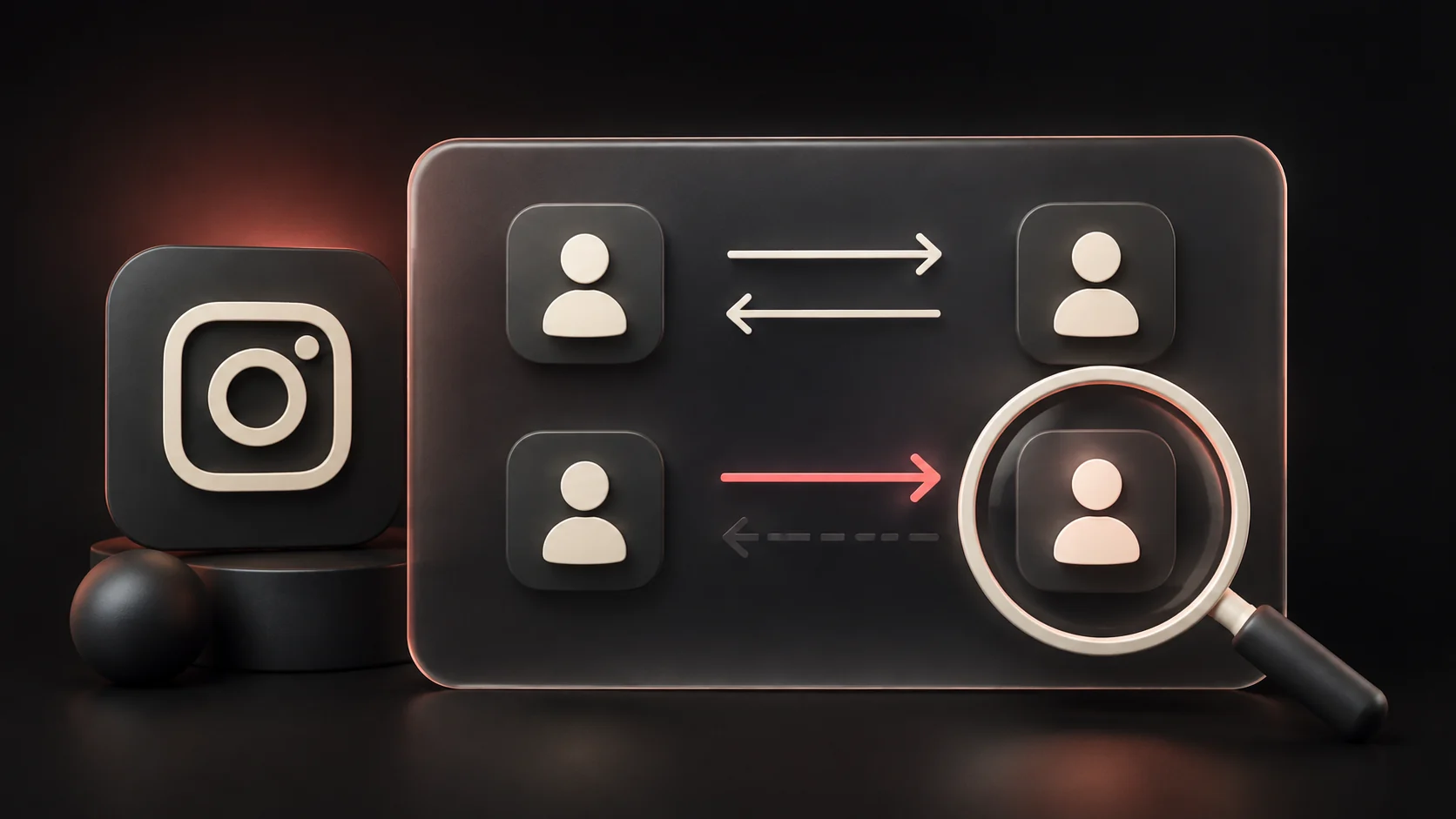
That last row answers who doesn't follow me back on Instagram, a different question. An account you follow that never followed you is not one of your inactive followers. Keeping those groups separate prevents a cleanup of the wrong list.
Review questionable followers in five steps
1. Set one goal. Write “remove accounts posting spam” or “review who can follow my private updates.” “Improve engagement” needs content-performance evidence as well; removing quiet people does not measure it.
2. Open the current profile. In Instagram, open your profile and its Followers list, then search the username. Check that you found the intended account. Display names are not unique, and an old export may contain a previous handle.
3. Check behavior, not appearance. Review the relevant comments or contact that prompted the concern. Record a concrete reason such as “same unrelated promotion on three posts.” If your only evidence is an empty profile, mark the decision uncertain.
4. Review Instagram's own spam suggestions where available. Meta describes a separate area for suspected spam followers, including the option to approve accounts that were incorrectly flagged, in its announcement of creator safety tools. Follow the labels in your app; a suggested account still deserves review, and this is not a list of everyone who reads silently.
5. Choose an action for that reason. To remove a follower, find the account in your followers list, select Remove and read the confirmation. To stop seeing an account you follow, review your following relationship instead. For unwanted contact or abusive content, inspect Instagram's blocking and reporting controls. Button placement can vary; avoid treating those actions as interchangeable.
Use a short private log if you have several accounts to review. These rows are invented examples, not assessments of real people:
| Review item | Evidence recorded | Decision | Follow-up |
|---|---|---|---|
| Account A | Repeated unrelated promotions under three posts | Review the comments for reporting; remove if unwanted | Check whether the unwanted contact continues |
| Account B | No recent posts; identity recognized | Keep | No further check needed |
| Account C | Old username no longer opens | Uncertain | Confirm the current handle before acting |
What an Instagram followers checker can show
An export-based Instagram followers checker organizes relationships: who follows you, whom you follow and which usernames changed between saved lists. It does not receive a person-by-person record of who views your posts, so it cannot rank your followers by hidden activity.
For a relationship review, download your Instagram data with followers and following included, then open the original ZIP in Unfollow Checker. Use Followers for your audience and Not back for accounts you follow that do not follow you. Investigate any incomplete-data warning before relying on a list. For changes between dates, follow the Instagram comparison walkthrough.
Manual ZIP processing runs in your browser. Optional account saving and automatic imports have their own data handling; check the Privacy Policy for the mode you use. Before trying another service, read the unfollower-app safety checklist and check its requested access and explanation of its results.
Will removing ghost followers improve engagement?
A higher percentage can result from a smaller denominator alone. Consider this invented arithmetic example, holding the content period and interaction count constant:
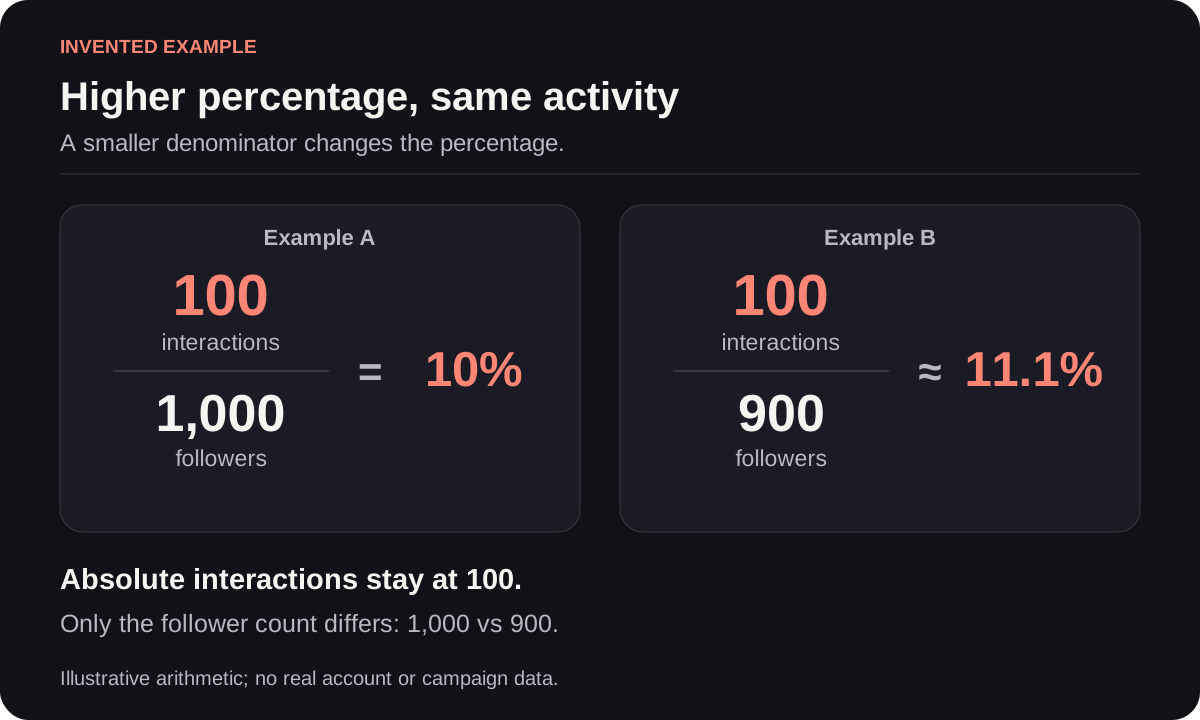
Follower-based rate = interactions ÷ followers × 100. The percentage changes; the interaction count does not. This illustration is not a measured cleanup result or a forecast.
To evaluate a real change, save the underlying counts, the period and what you count as an interaction. Compare similar content and note changes in posting frequency or promotion. A rise after a cleanup does not, by itself, show that the cleanup caused it. Keep follower-based and reach-based calculations separate, and do not confuse engagement with the followers-to-following ratio.
If the issue is weak response to posts, start with the posts that did receive useful replies, saves or other actions relevant to your goal. That gives you something to investigate and repeat without guessing which silent reader is responsible.
Frequently asked questions
Can I find every inactive Instagram follower for free?
You can review profiles and visible interactions manually, but that does not establish every follower's activity. Someone can read without reacting. A tool using only exported follower lists cannot fill that gap, whether it is free or paid.
Should I remove everyone who never likes my posts?
No. A missing like is not evidence of spam or an unwanted relationship. Decide whom you want in your audience using the context you actually have, rather than treating visible reactions as a requirement for following you.
Does Unfollow Checker remove ghost followers automatically?
No. It compares exported relationship lists and helps you review results. It does not identify inactive people or remove followers in Instagram. Make any relationship change in Instagram after checking the current account.
How many followers should I remove per day?
There is no daily quota recommended by this guide. Review only the accounts you have a reason to change, use Instagram's own controls, and stop if the app shows a warning or restriction. A promised “safe limit” is not a guarantee.